

Case files, checklists, forms and calendar
One file per family
fills every formOne file, every form
MemorialBooked gives independent funeral homes case management software with one file per case: the family's contacts, service details, notes and documents. Forms fill from that file, checklists reach your staff, and families sign from a link. We set up every form and list before launch.
- Each form fills from the family's case
- Checklists assigned to staff

Five forms, one entryfor each family you serve
- A file per case
- Shared calendar for staff
- Tasks given to staff
- Families sign by link
- Paperwork prefilled per case
- Family photo uploads
The visitation for Mr. Alvarez ended at eight. The family went home, and your director sat down to type the same names, dates and addresses into five forms. Two versions of the rest of that evening: one typed by hand, one where each form came already filled from the case file.
Five forms by hand
Filled from one file
What the family sees from home


Done close to midnight
- 1Names and dates from the arrangement copied by hand onto the first of five forms.
- 2A misspelled middle name on the third form, caught only when the family reads it.
- 3The church and the cemetery each still need their own copy.
- 4Who calls the florist tomorrow waits for the morning staff meeting.
Checked, signed, and home
- The arrangement details go in once, during the meeting with the family.
- All five forms fill from that case file without retyping.
- Your director reads each form and corrects a spelling if needed.
- The family signs from a link after they get home that night.
- Signed copies land on the case, next to the notes and photos.
- Tomorrow's tasks go to named staff on the checklist.
- Visitation and service times sit on the staff calendar for the whole team on duty.
One link for their paperwork
- A single link in a text, with each paper waiting for a signature.
- Forms to sign on a phone or tablet, with their details already in place.
- Photo uploads for the tribute video and obituary, straight onto the case.
- Documents to keep whenever they need a copy later.
The case screens
The case file, the forms and the calendar
What the arrangement office sees, case by case.


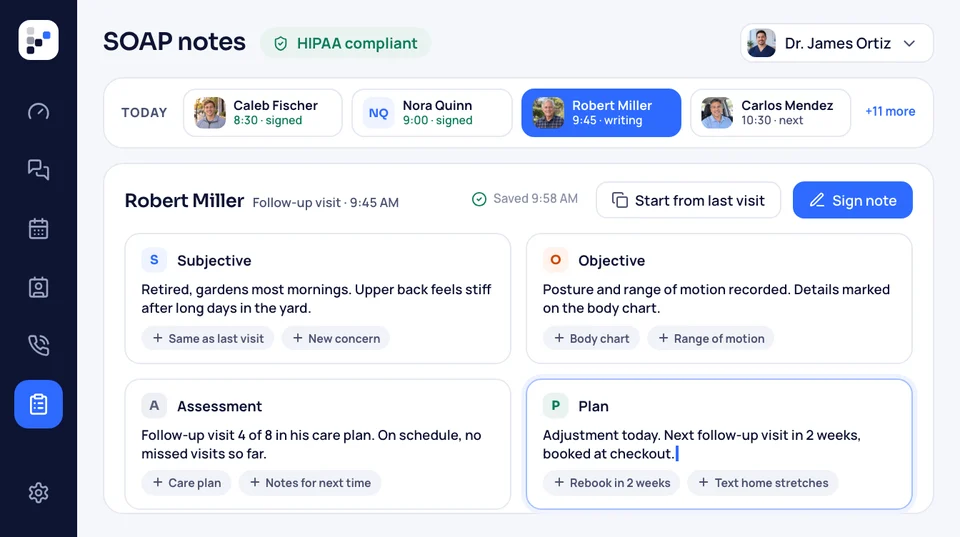
Each case opens to one file: the family's contacts, the deceased's details, service times, the documents and every note your staff added. Whoever picks up the phone sees the whole case before saying hello.
Send us the arrangement form, authorizations and cemetery and church sheets you use today, and our team sets each one up. It fills from the case's details, and your director checks it before it goes out.
Arrangement meetings, visitations and services sit on a calendar the whole staff shares. Each event links back to its case, so whoever runs Saturday's service can open the file from the chapel.
Inside each case
One file. Every form, task and signature.
The record
Every detail, filed
The first call starts the case. Names, phone numbers, the deceased's details, the service plan, notes from the arrangement meeting and every signed document go into the same file. Anyone on your staff can open it and see where things stand without asking around.
- Notes from every callsaved on the case for everyone.
- Documents attachedto the right family.
Your staff
A checklist for every case
Each case gets its own checklist, built from yours: call the cemetery, confirm the clergy, set out the guest book, send the obituary. Tasks go to named staff, and anyone can see what's done and what's still open.
- Your own checklistsfor burial and cremation.
- Due datesand a reminder to whoever owns it.
The family
Signatures without a trip back in
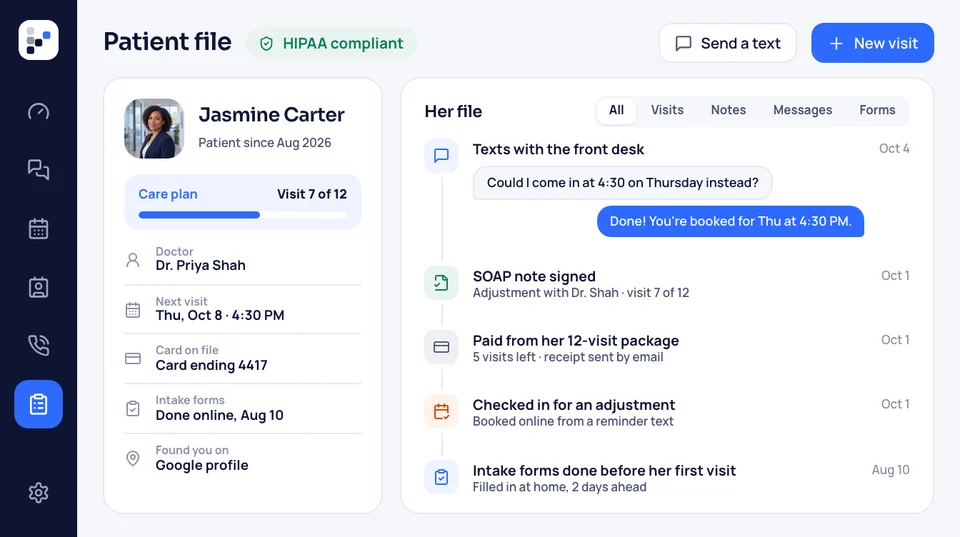
After the arrangement meeting, the family gets one link by text. They read the authorizations and contracts already filled in with what they told you, sign on a phone or tablet, and upload photos for the obituary. Everything they send lands on the case.
- No printer neededfor relatives signing from three states away.
- Signed copies filedon the case the moment they finish.
Paperwork
Typed once, not five times
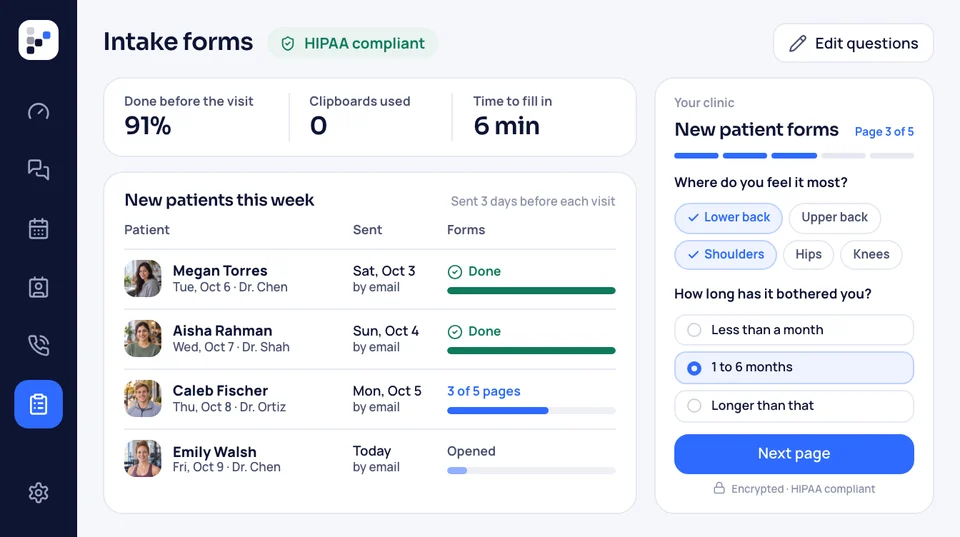
The arrangement form, the cremation authorization, the cemetery's order and the obituary notes all ask for the same names and dates. Enter them once on the case, and each form fills from there. Nothing gets retyped at 9 p.m.
- Your formsset up by our team before launch.
- One spelling fixon the case corrects it on every form not yet sent.


Comes with
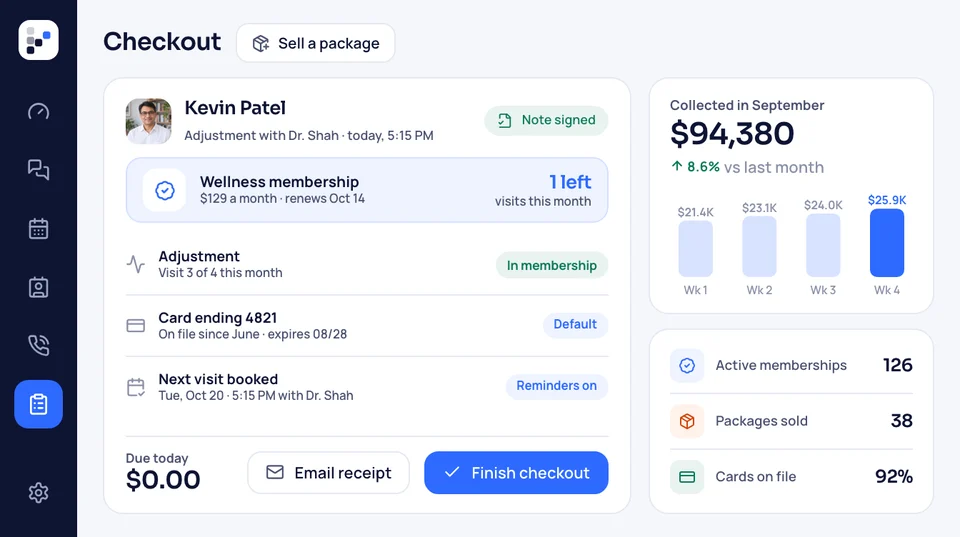
- A file for every case
- Your current forms rebuilt
- Task lists per case
- A shared staff calendar
- Family signing link
- Photo and document uploads from the family
What else draws on each case
A case doesn't stop at the paperwork. The family's details feed the obituary draft, the texts your staff send, the review request after the service and the reports you read each month. Here is where each of those lives.

Cases The case file, checklists, family signing link, forms and staff calendar.
This pageWhere the case goes next
- Where families come from Calls, forms and ad results by month, with the source behind each call.
- Obituary drafts Drafts written from what the family tells you, then edited by staff.
- Your website The site our team builds, where families first find your home.
- Arrangements online Caskets and urns with prices, deposits by card, and the signed contract kept with the case.
- Marketing Our team runs your Google and Facebook ads, local search and pre-need campaigns. The ad spend goes straight from you to Google and Facebook.
- Texting Text the family from the office line about times, forms and photos.
- Google reviews A week after the service, the family gets a polite review request.
Bring us your forms
Send us two or three of your forms, and we'll walk through a sample case. Thirty minutes, at no cost, with a monthly price at the end. No contract, no setup fee, and your staff are using it two weeks later.


What funeral directors say
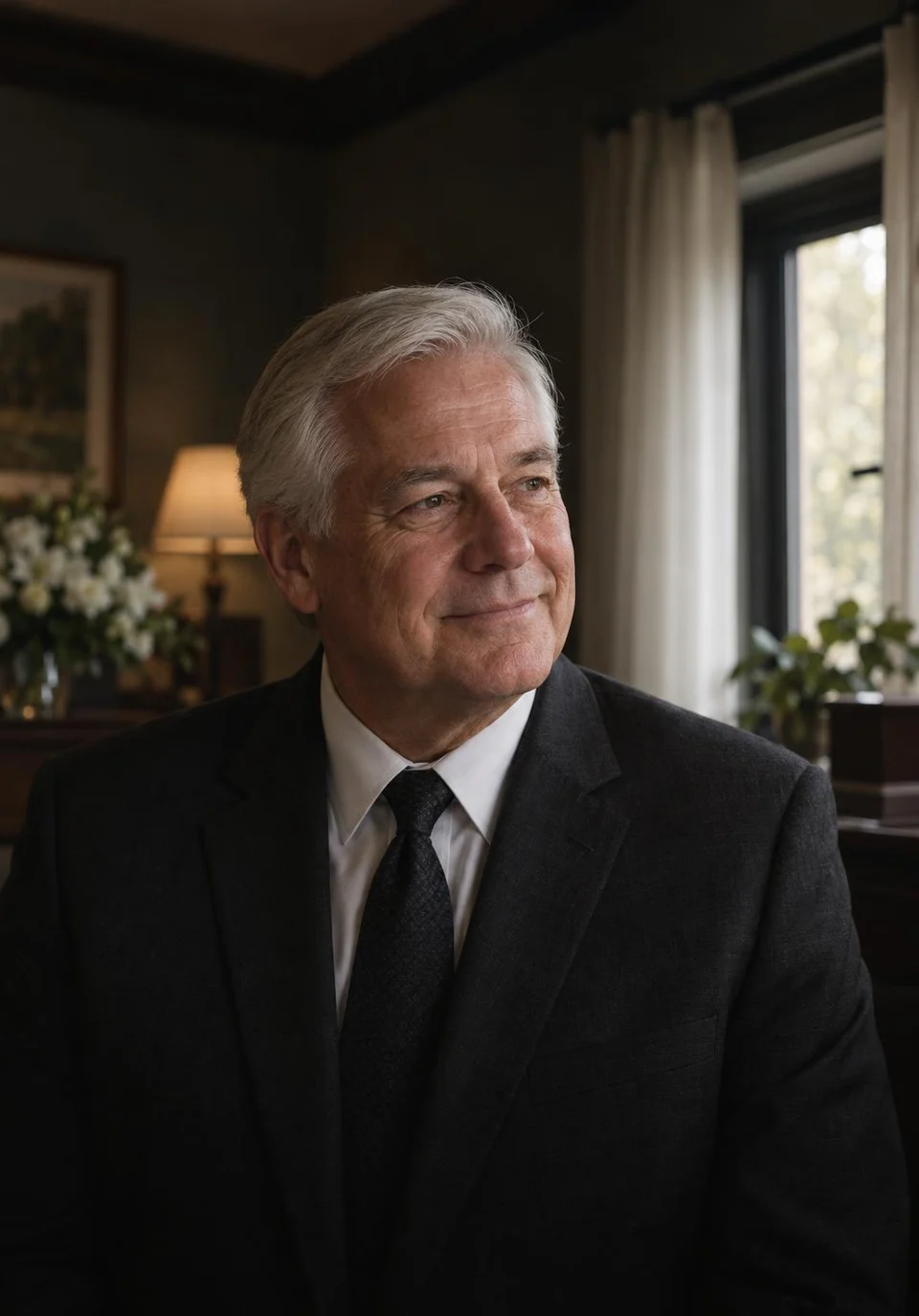
Walter D.Family-owned home 3 → 1vendors to callWe canceled three vendors. The website, obituaries and reviews now sit with one team that picks up the phone.
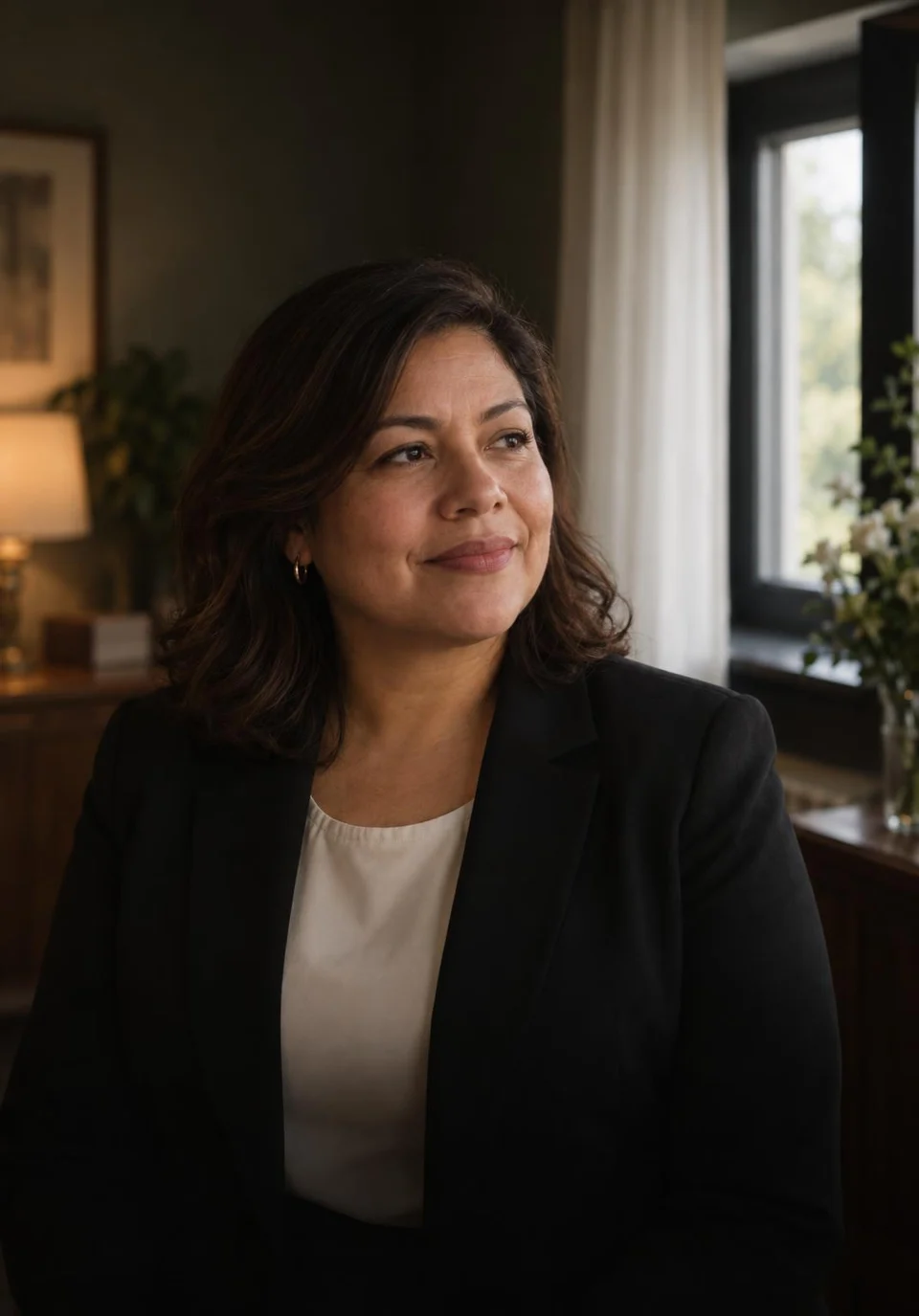
Carmen P.Cremation provider 1 minuteto the first replyFamilies used to reach voicemail at 2 a.m. These days a text reaches them within the minute, and I read the details over coffee.
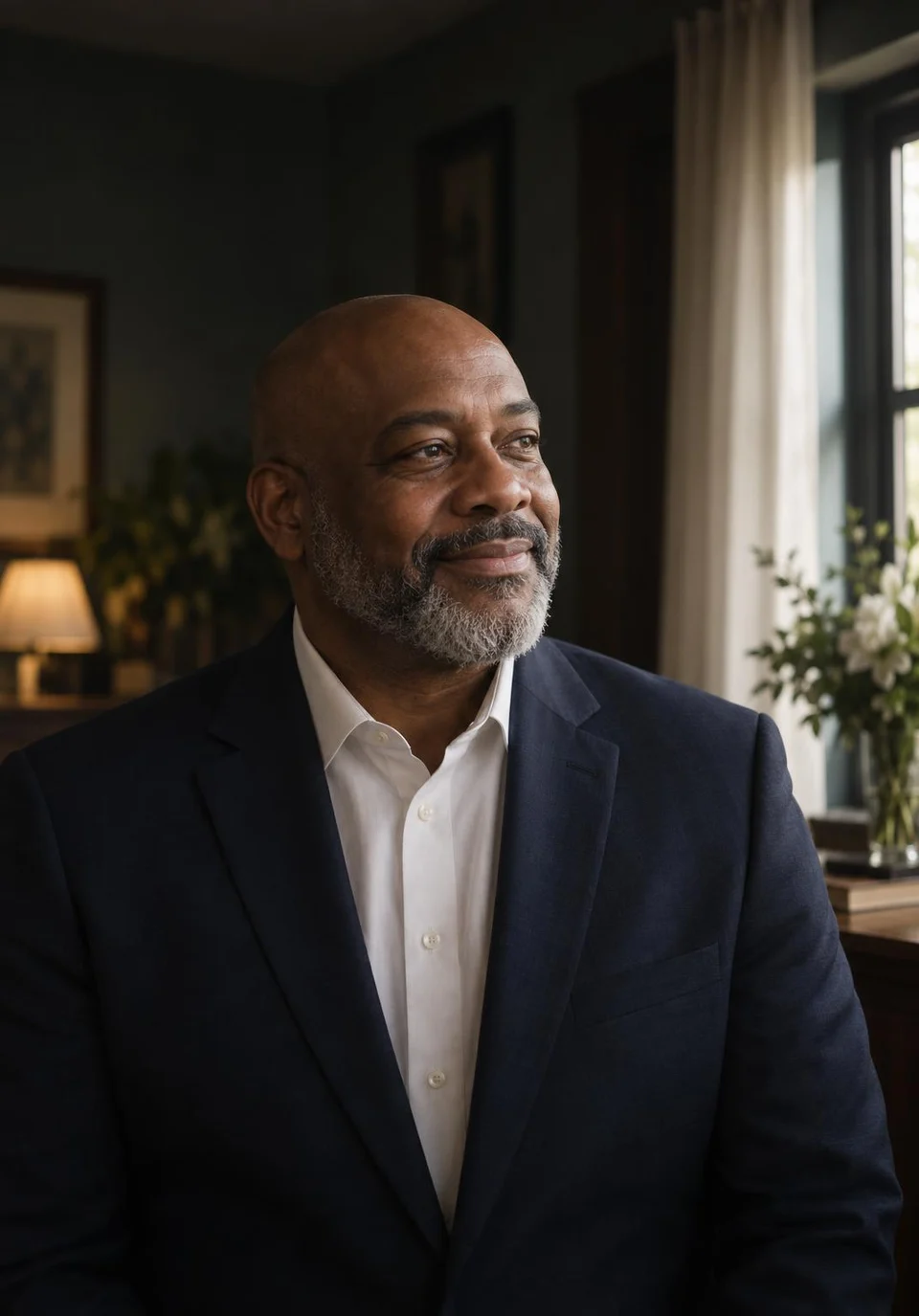
Terrence M.Third-generation home 11pre-planning meetings, month oneOur pre-planning list sat untouched for years. The follow-up texts booked eleven meetings in month one.
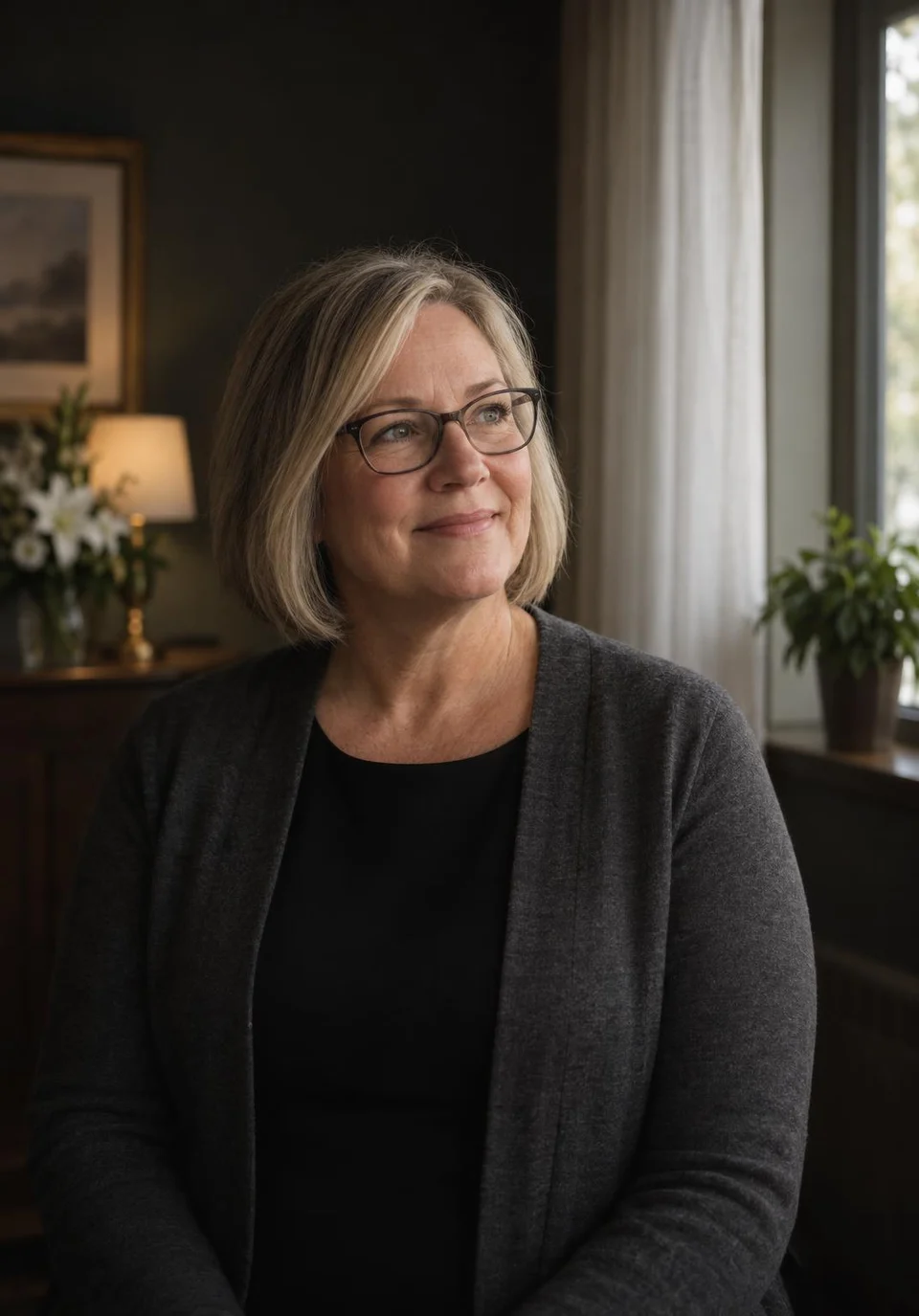
Gwen H.Two-location home 0paper contractsArrangements used to mean a stack of paper. Families now sign the contract and put down the deposit on their phones.

Anil R.Home and crematory 31 → 104Google reviewsEach family hears from us about a review after the service ends. Our Google reviews went from 31 to just over a hundred in twelve months.
Marisol K.Rural funeral home 2 weeksto a new websiteOur old site went up in 2014. A fortnight after we spoke, a new one was live, with every obituary carried over.


Case management questions
Before you switch
Type forms, checklist or certificate to jump to that answer.
6 questions
Will it run on our tablets?
Yes. Staff open cases, tick off tasks and check the calendar on a phone, tablet or office computer, and families sign on whatever they have.
Can we keep using our own forms?
Yes. We rebuild each of your current forms so it fills from the case, and you approve every one before launch.
Can I make my own checklists?
Yes. Keep separate lists for burial, cremation and memorial services, and each new case starts with the right one. You can edit them anytime.
Can families fill in their own details?
Yes. From one link, the family fills in details, signs forms and uploads photos.
Is it easy for staff who dislike computers to learn?
The screens are plain, and our team trains your staff on a call before launch. Most learn the case file in an afternoon.
Does it file death certificates?
No. You still file death certificates through your state's system. The case holds the details you'll need when you do.
Try searching
Talk to Elise
Elise Navarro can open a sample case with you and show how your own forms would fill.
Elise NavarroAccount manager
Request a call