

Cases, arrangements and aftercare
The quiet work
behind each serviceThe work behind each service
MemorialBooked is funeral home management software for independent homes: one case file per family, packages and e-signature, card payments, pre-planning follow-up and a year of aftercare, set up by our team.
- Families add details from a link
- Forms pre-filled per case
- Every service on one shared staff calendar


Live in two weeksyour own forms already loaded
- Separate staff logins
- Shared calendar
- Missed-call texts
- Review requests
- Two-way texting
- Night assistant
The old way
Each name and date, entered once
Contract, death certificate worksheet, obituary, program order, cemetery form: on a busy week the director types the same names and dates into each one after the visitation. In MemorialBooked the family's details live on one case file. Your forms fill from it, the family adds what they know from a link, and every service sits on the shared calendar your staff check.

- Paper folders
- Whiteboard schedules
- Retyped family details
- One case file
- Auto-filled home forms
- Shared calendar
What it covers
One record per family
Seven tabs, one family record underneath. A name typed at the first call is already on the contract, the payment link and the aftercare texts.
MemorialBooked · Arrangements

The family's phone

Packages chosen, agreement signed
The family meets you at the table or joins from another state. They see packages, caskets and urns with photos and prices, and e-sign the agreement on a phone or tablet.
Read about arrangementsMemorialBooked · Obituaries

A friend's phone

The page the whole town reads
The memorial page holds the obituary, service times and photos; friends post memories on its tribute wall, and it shares to Facebook.
Read about obituariesMemorialBooked · Reviews

A relative's phone

Asked after service
When the service ends, a short text asks the family to rate your home on Google. We draft and post each reply.
About reviewsMemorialBooked · Cases

Director on call

Case files
Every first call opens a case: who to reach, the service plan, signed papers and notes. Checklists assign tasks to staff, and the home's own forms fill from what's already typed.
About casesMemorialBooked · Payments

Paying from home

Card payments online
Send the deposit or the balance as a link. The family pays by card, and the case shows it paid.
MemorialBooked · Reports

The owner's phone

Reporting
Tracking numbers show which ad or listing brought each call, and we send a monthly summary.
About reportingMemorialBooked · Conversations

The family's texts

Texts that go out while you're busy
Three moments the software covers when nobody at the home can stop to type.
Texts sending now· signed by your home
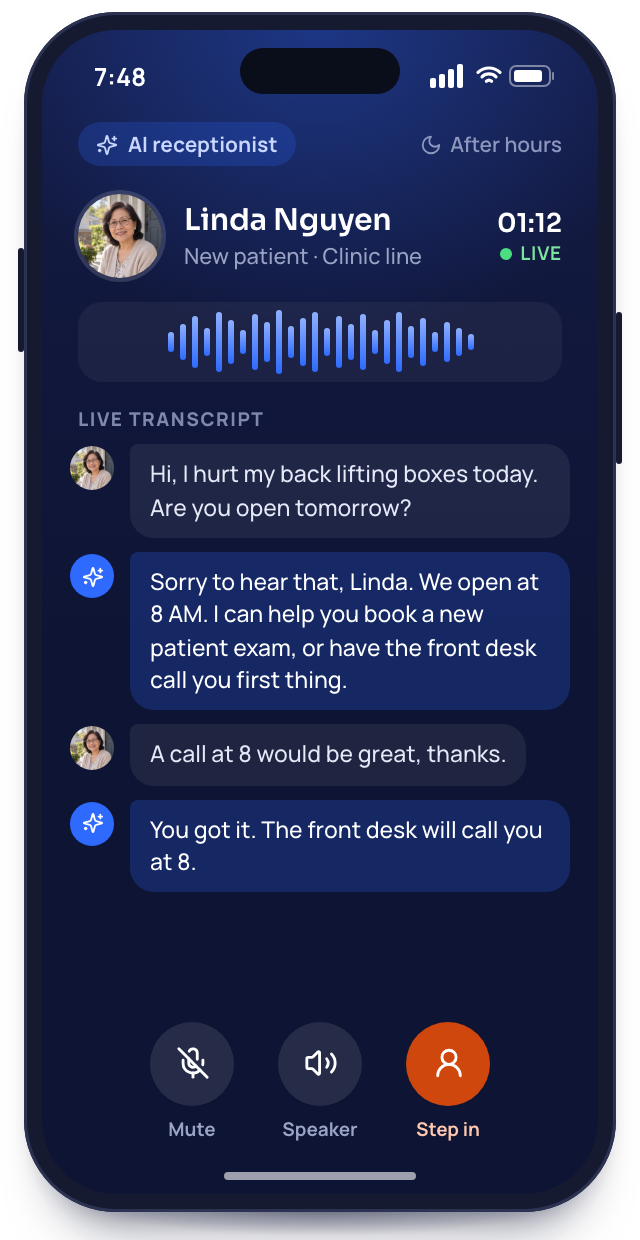
Tuesday, 2:10 a.m.· first call
The night call
A hospice nurse rings after everyone has gone home. The night assistant answers with your greeting, writes down the name, the place and a number to reach, then texts whoever is on call.
Saturday, 12:40 p.m.· web form
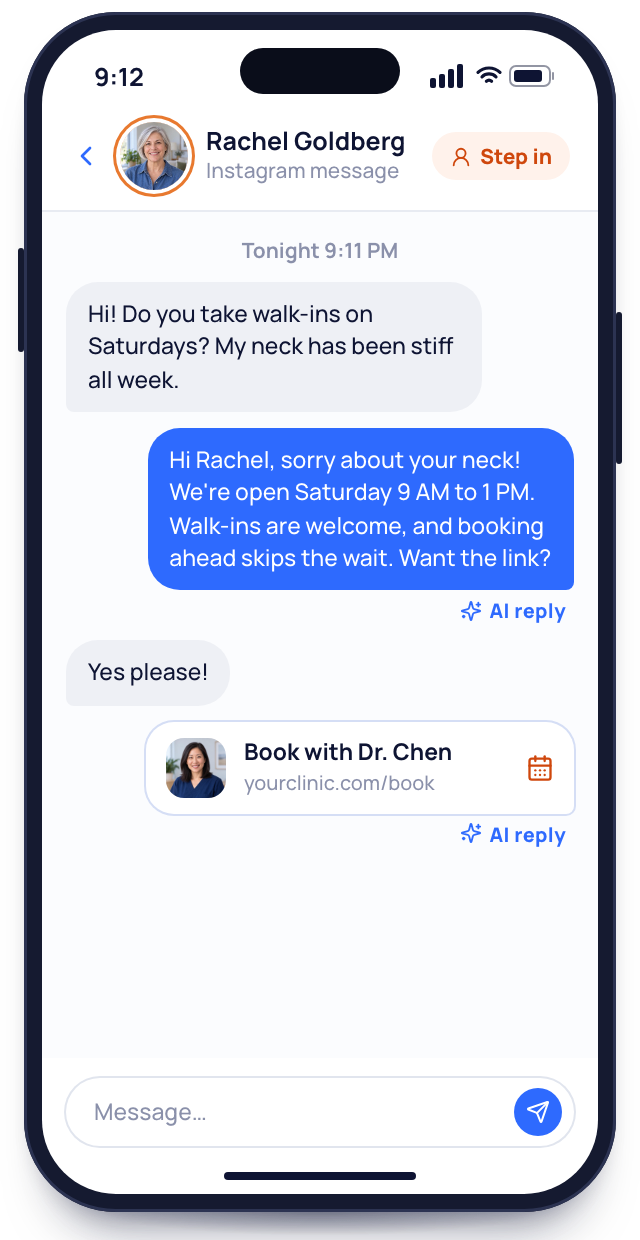
A pre-planning form comes in
A retired couple sends your planning form over lunch. A text greets them at once, and follow-ups keep going until a meeting is set.
Day 365, morning· aftercare text
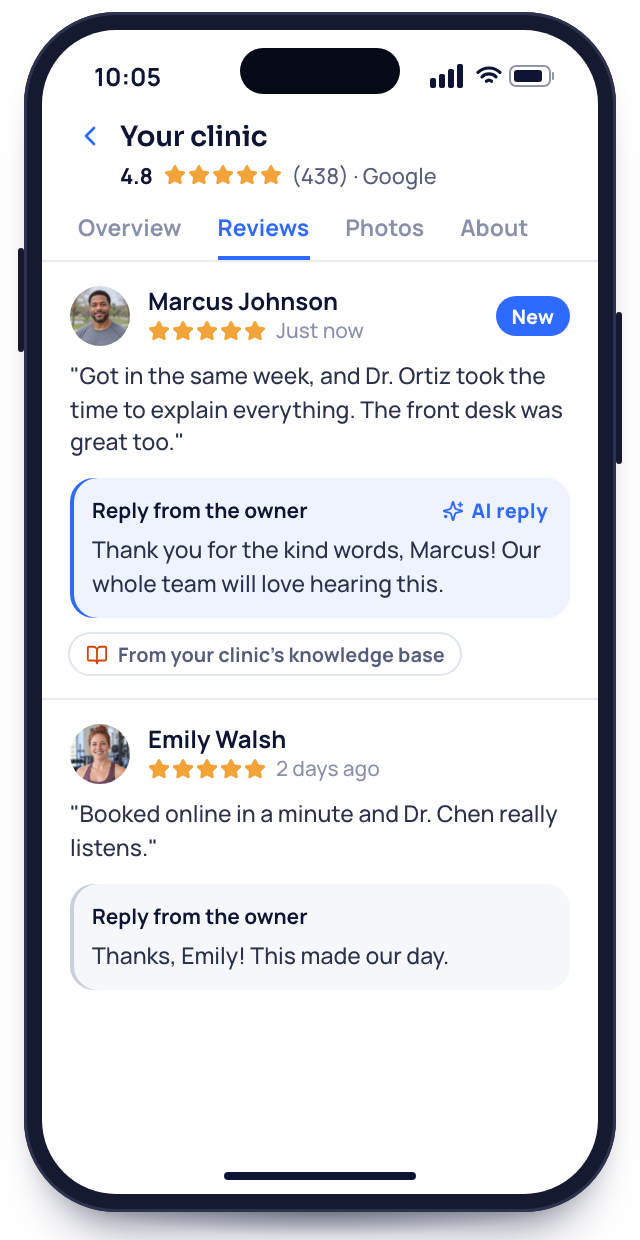
One year later
A year to the day, a brief note goes to the family under your director's name. Replies land in your inbox, and staff answer from there.


Setup
Set up with your forms
Our team does the setup. You answer questions on one call, approve the work, and your staff start using it.
We map your cases
Over one video meeting we learn your packages, your paperwork and how a case travels through your home today.
You bringyour forms and price list
We build your case setup
We rebuild your forms, load packages and prices, and write the aftercare and pre-planning texts.
You getyour forms rebuilt and linked
Staff learn it together
We train your directors and office staff on a video call, using a sample case. Each person gets a login and tries opening a case, sending a payment link and answering a family's text.
You giveone hour with your staff
You run your first case
The next first call opens a real case. Your account manager checks in that first week and answers whatever comes up by email.
You geta named account manager
Month to month, no setup fee
Your setup
Live by day 14
8 of 28 done
1We map your casesDoneIn progressUp next
- Packages and prices gathered from you
- Your current forms sent to us
- Staff names and roles listed
- Locations and service areas noted
- Past obituaries found for the move
- Aftercare and pre-planning wording agreed with the owner
2We build your case setupDoneIn progressUp next
- Case checklist built per service
- Forms rebuilt to fill from cases
- Packages loaded with photos
- Price list placed on the site
- E-signature agreements ready
- Card payments connected
- Pre-planning form sending each inquiry to your list
- Year of aftercare texts scheduled
3Staff learn it togetherDoneIn progressUp next
- Logins made for every director and staffer
- Shared calendar set up
- Sample case opened together
- Texting tested
- Night assistant tested with a call after hours
- Missed-call text written in your own words
- Review request approved
4You run your first caseDoneIn progressUp next
- Office number connected for calls and texts
- Call tracking numbers live
- Reports dashboard checked
- First real case opened, and our team checks in daily that first week
- Monthly report scheduled
- QuickBooks connected
- Go live
Open a sample case with us
We open a sample case together: the agreement, the payment link, the memorial page and the first aftercare text. Bring the forms you retype most, and we'll show where each detail would come from.


What funeral directors say
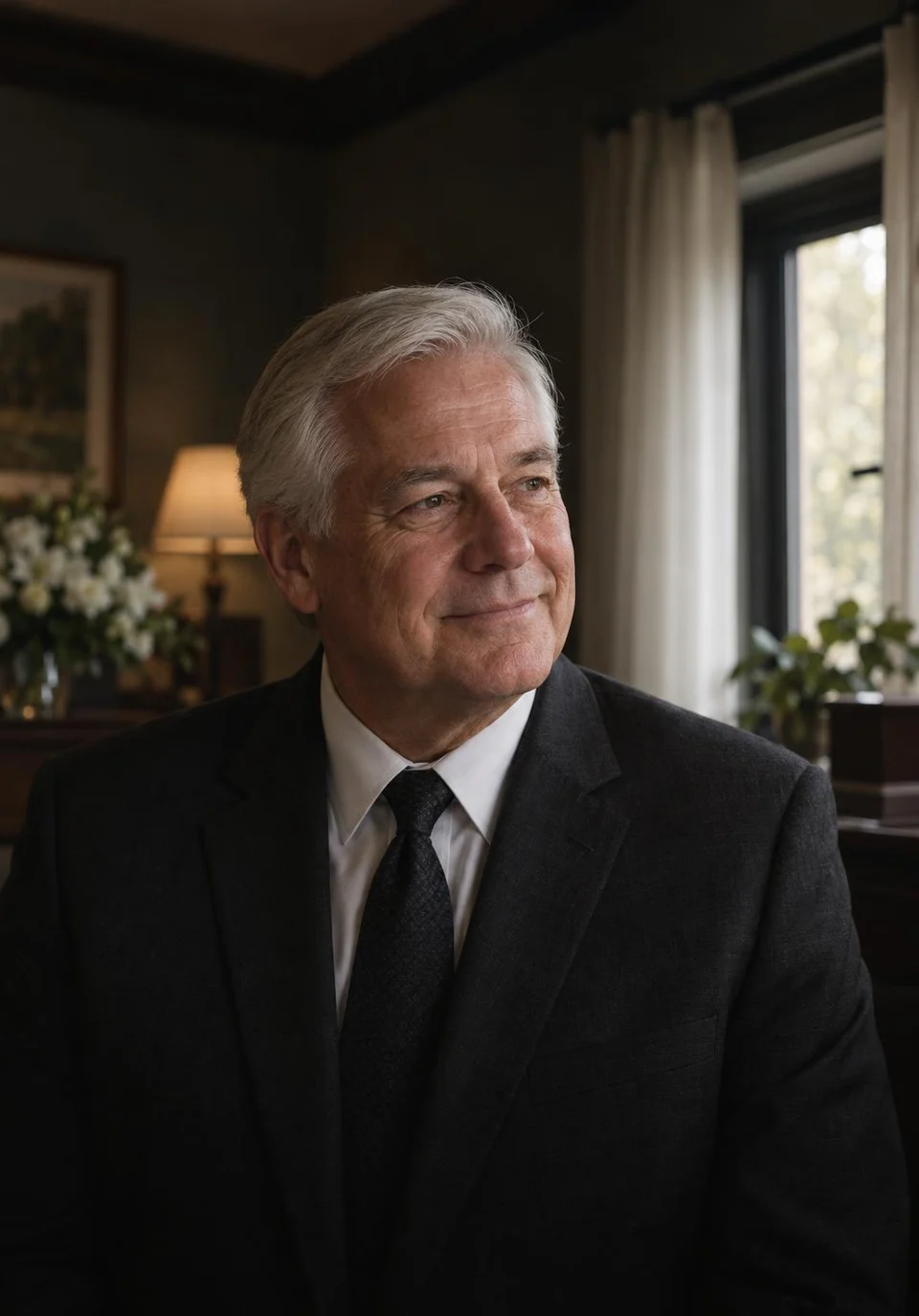
Walter D.Family-owned home 3 → 1vendors to callWe canceled three vendors. The website, obituaries and reviews now sit with one team that picks up the phone.
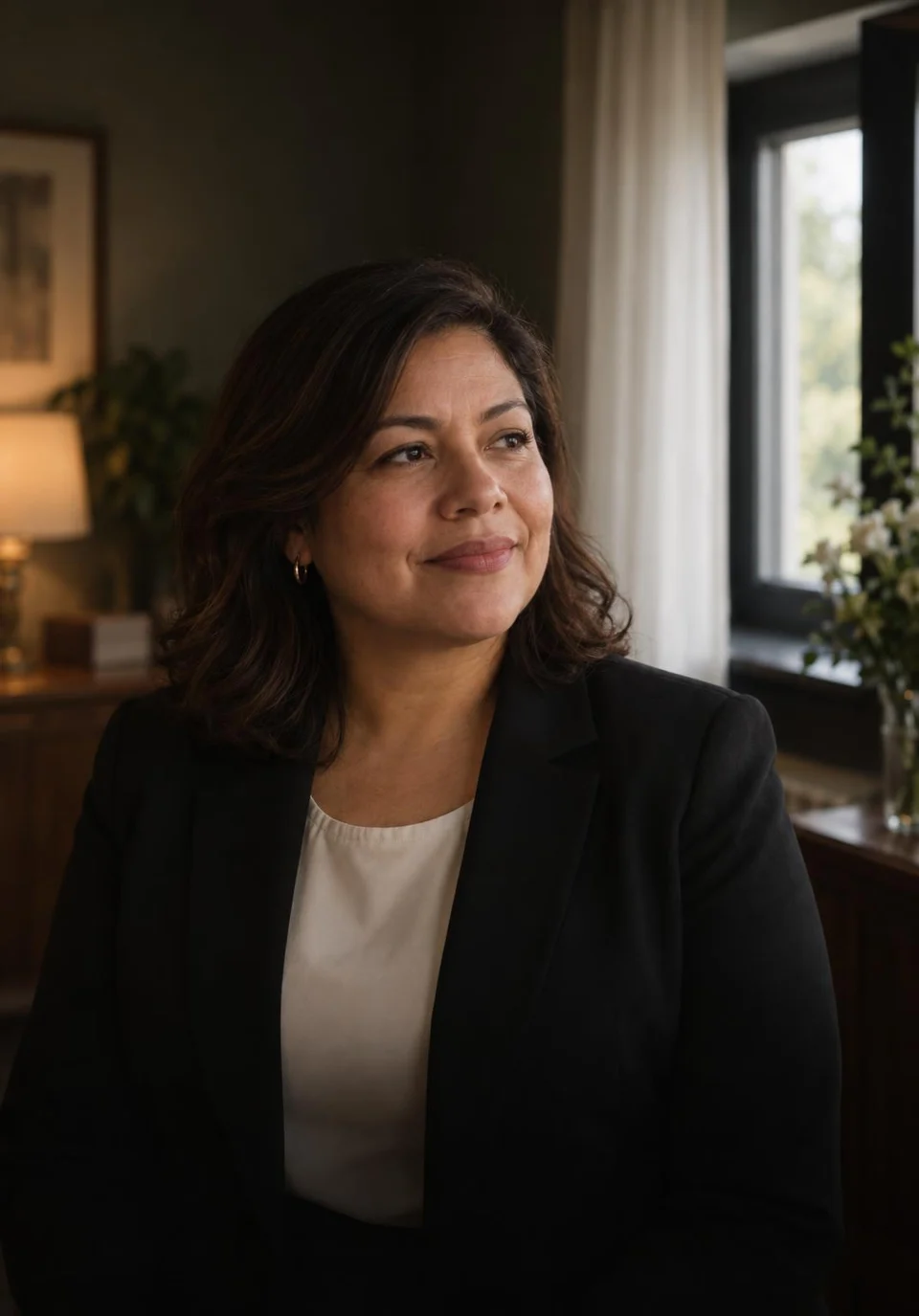
Carmen P.Cremation provider 1 minuteto the first replyFamilies used to reach voicemail at 2 a.m. These days a text reaches them within the minute, and I read the details over coffee.
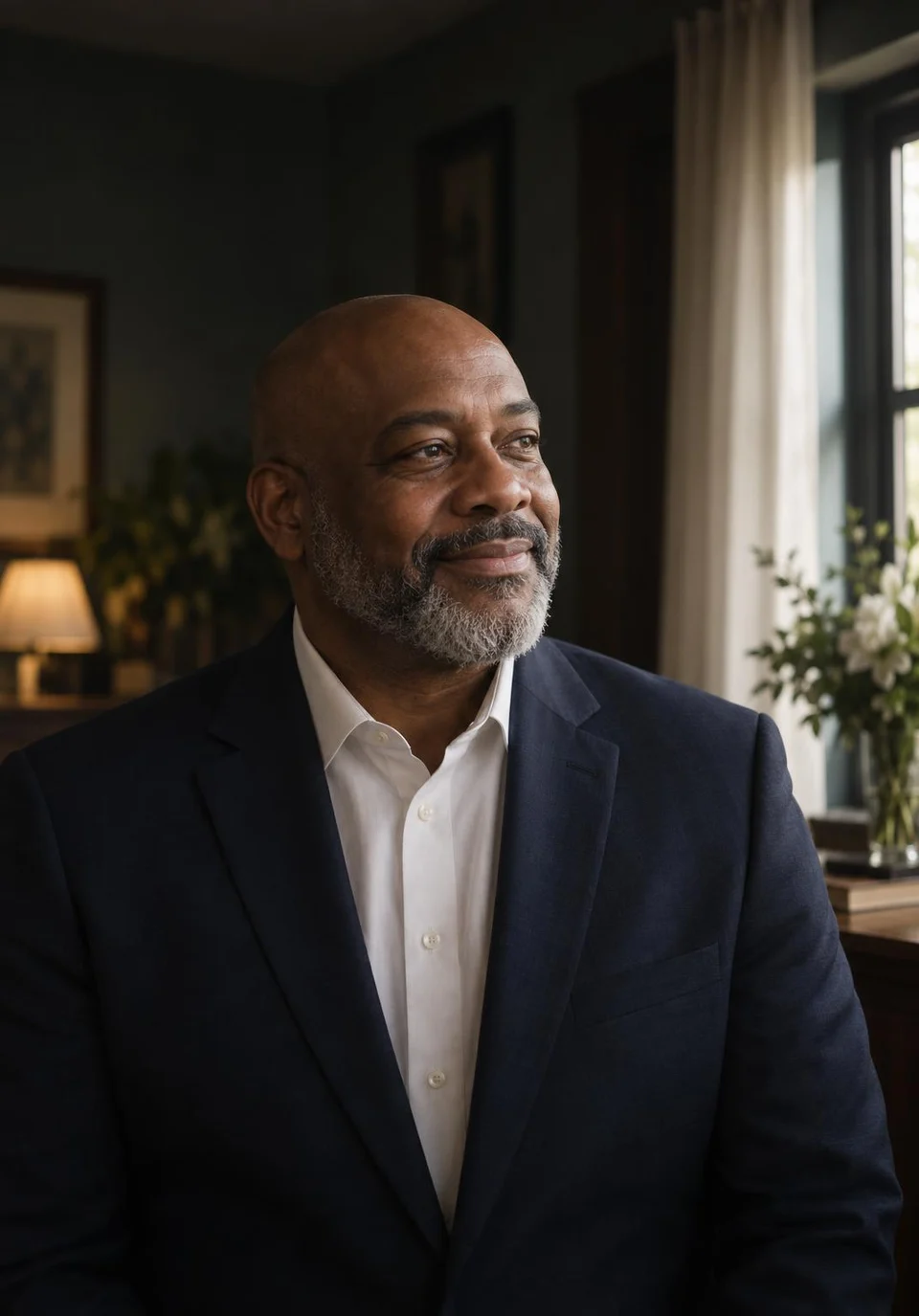
Terrence M.Third-generation home 11pre-planning meetings, month oneOur pre-planning list sat untouched for years. The follow-up texts booked eleven meetings in month one.
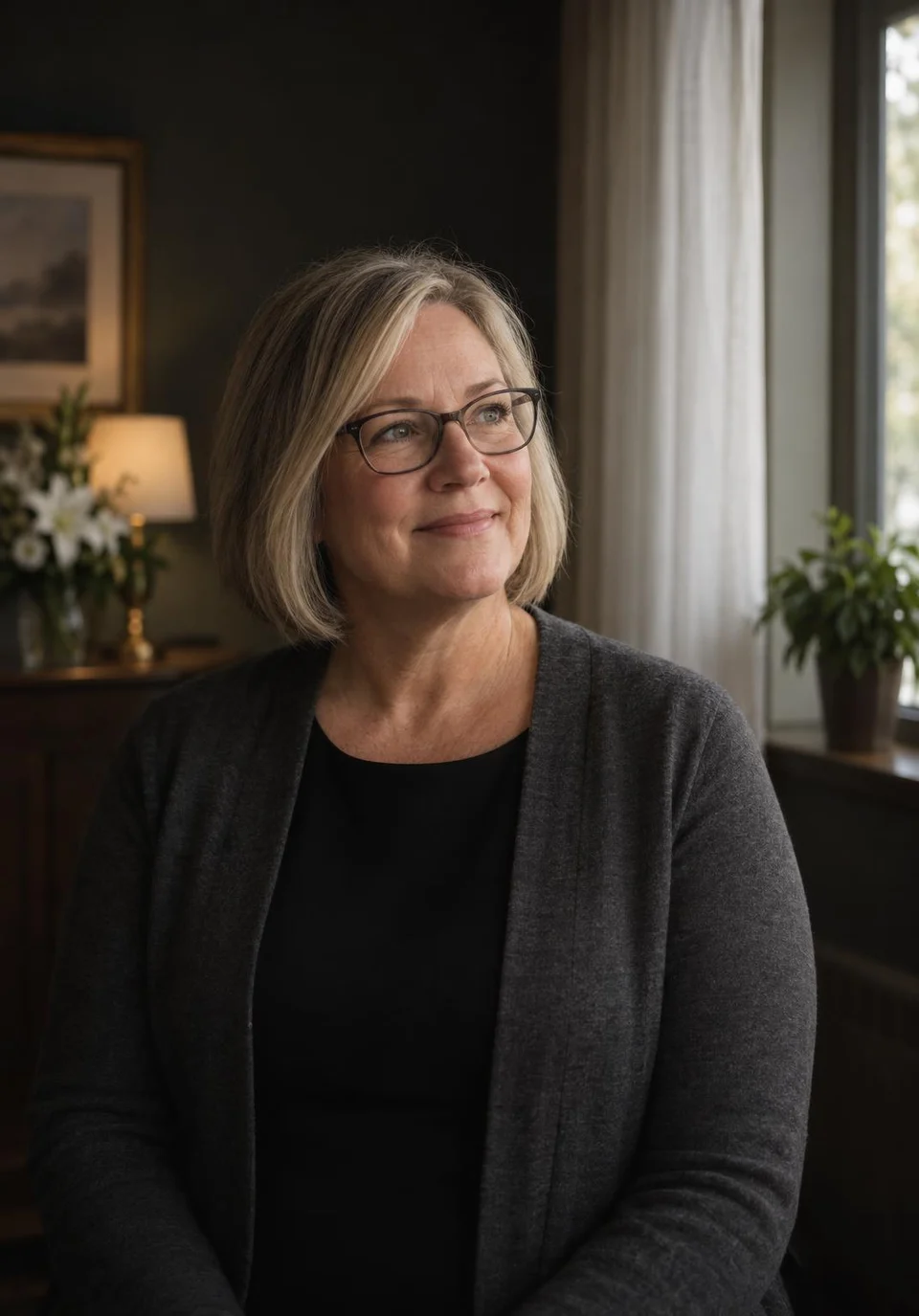
Gwen H.Two-location home 0paper contractsArrangements used to mean a stack of paper. Families now sign the contract and put down the deposit on their phones.

Anil R.Home and crematory 31 → 104Google reviewsEach family hears from us about a review after the service ends. Our Google reviews went from 31 to just over a hundred in twelve months.
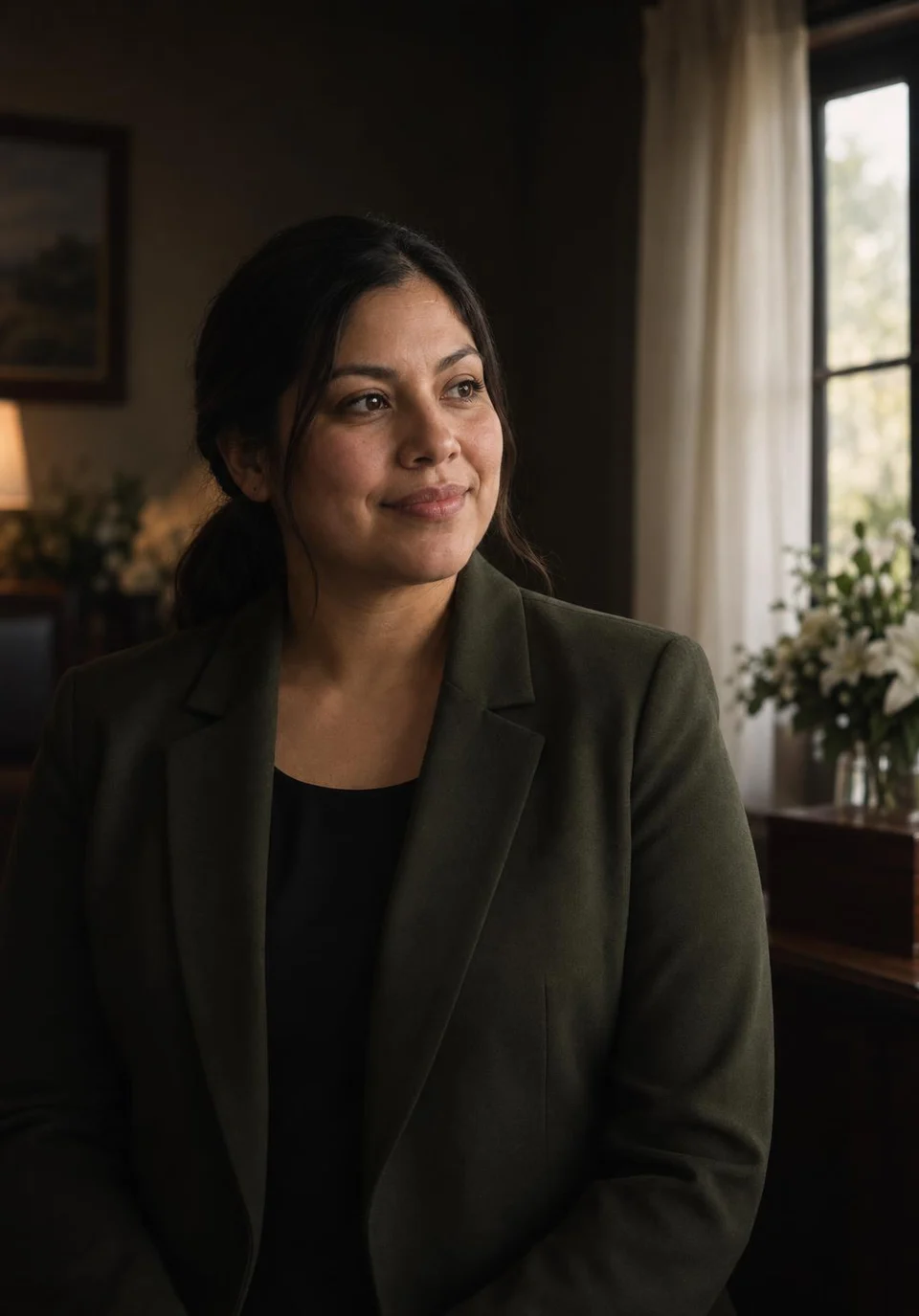
Marisol K.Rural funeral home 2 weeksto a new websiteOur old site went up in 2014. A fortnight after we spoke, a new one was live, with every obituary carried over.


Questions about software
Software questions, straight answers
Search QuickBooks, phones or cost to see only those answers.
8 questions
Can my whole staff use it?
Yes. Every director and staff member gets a login, and you choose what each person can see and change.
Does it run on staff phones?
Yes. It runs in the browser on phones, tablets and office computers.
Can we keep our current system?
Yes, you can run both. The two don't share data, so new cases start here and older ones stay where they are. Nothing is lost, and you can stop paying for the old one whenever you're ready.
Can you move past families?
Yes. Send a list of past families and their contact details; we add them during setup.
Is there software to install on our computers?
No. Staff sign in from a web browser, so nothing is installed at the home, and hosting and updates are on our side.
How secure is our data?
Every person has a private login, and all traffic is encrypted.
Does it link to QuickBooks?
Yes, QuickBooks Online connects during setup.
What does the software cost?
Our team gives you a price on a free call.
Common searches
Ask Elise directly
Elise Navarro answers software questions by email at sales@memorialbooked.com and can book you a walkthrough with our team.
Elise NavarroAccount manager
Request a call