

QuickBooks, Google and Facebook, connected
Keep QuickBooks, Google and Facebook
in stepYour accounts, in step
MemorialBooked is funeral home software that connects to QuickBooks Online, Google and Facebook. Each family is typed in once, and each card payment reaches your books. Our team links every account for you during setup.
- Family deposits land in your books
- Each family typed once

Linked during your setupby our team, no setup fee
- QuickBooks Online
- Google Business Profile, Calendar, Ads, Analytics and Gmail
- Facebook page, Instagram and Messenger linked
- Each family entered once
- Ad results inside your reports
A first call gets typed three times: case, calendar, invoice. Then someone keys the payment into QuickBooks. With the accounts connected, staff type the family once, and the calendar, the invoice and QuickBooks pick it up.
Typed in three times
Typed once, then shared
Our team connects each account


The same family, three times over
- 1The case file. Names, dates and service details, typed from your notes.
- 2Calendar and invoice, again. The same names and dates, copied over by hand.
- 3Payments keyed into QuickBooks. Each deposit retyped, sometimes weeks later.
- 4Messages in another app. A family's question waits in Messenger until someone checks.
One entry, every account
- One family record. Started at arrangements, reused for calendar, invoice and books.
- Card payments posted to QuickBooks Online. Deposits and balances paid from a link show up in your books.
- Invoices follow the same path. Each lists the services the family chose.
- Meetings on Google Calendar. Arrangement meetings and visitations appear on staff phones.
- Facebook, Instagram and Messenger in Conversations. Family messages arrive next to texts and email, ready to answer.
- Gmail threads kept on file. Emails with a family stay on their record.
- Google and Facebook reviews. Read and answered from the Reviews screen.
Connected during your setup
- You sign in, we connect. One login to each account, on a call with us.
- We check payments together. A test invoice and payment go over before any family's do.
- Nothing to install at the home. It opens in the web browser you already use.
The three connections
QuickBooks, Google, Facebook. What each one carries over.
Three accounts your funeral home already uses.


A family pays a deposit from a link on their phone. The payment and its invoice go to QuickBooks Online under the family's name. Whoever keeps your books sees it that day, and nobody retypes a number.
Arrangement meetings land on Google Calendar, and Gmail keeps each family's emails on their record. Business Profile reviews come into Reviews, Ads results into Reports, and Analytics counts site visits.
When a family writes to your Facebook page, Instagram or Messenger, the message arrives in Conversations next to their texts. Staff answer from there. New obituaries are shared to your page, and Facebook ad results show in Reports.
What carries over
Six connections, and what each one handles
Each row below is one connection, what it moves, and where your staff see it. Our team switches each one on during setup and checks that it works.
QuickBooks Online
Payments and invoices, in QuickBooks
When a family settles a deposit or balance, QuickBooks Online gets the payment and the invoice behind it. Your books match the arrangement, and the month-end catch-up goes away.
- Each paymentthe family's name, amount, date and invoice it pays.
- Depositsposted when the family pays from the link.
Facebook page
Obituaries shared to Facebook
When staff approve an obituary, it goes up on your site and a post goes to your Facebook page pointing to the memorial page. Friends who see it there can share it, leave a memory or find the service times.
- Each postthe photo, the name and a link.
- Memories come backguests follow the post and write on the tribute wall.
Ad accounts
Ads that report back
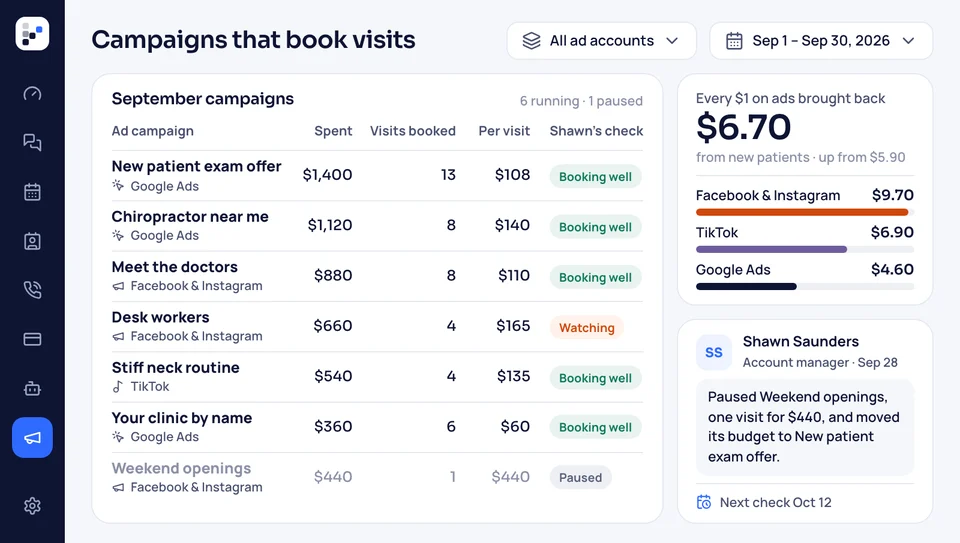
Our team runs your Google Ads and Facebook ads; Google and Facebook bill the ad spend to you, never through us. The connections bring each ad's results back into Reports, next to the calls and pre-planning forms that ad produced.
- Google Adsspend, clicks and calls for each campaign.
- Facebook adsspend, form fills and pre-planning leads.
Google Analytics
Know which memorial pages get visits
Google Analytics sits on your new site from launch day. It counts visits to each memorial page, shows where people came from, and how many reached the service times or the pre-planning form. We sum it up in the monthly report.
- Memorial pagesvisits to each page, week by week.
- Traffic sourcesFacebook, Google search, or typed in.
Messages
Messages beside the texts
Messenger, Instagram messages and Gmail come into Conversations, where your texts already are. A family who writes on Facebook gets answered by the same staff, from the same screen, and the thread stays on their record.
- Facebook Messengermessages to your page, answered without opening Facebook.
- Gmailsent and received emails kept with the family.
Google
Reviews
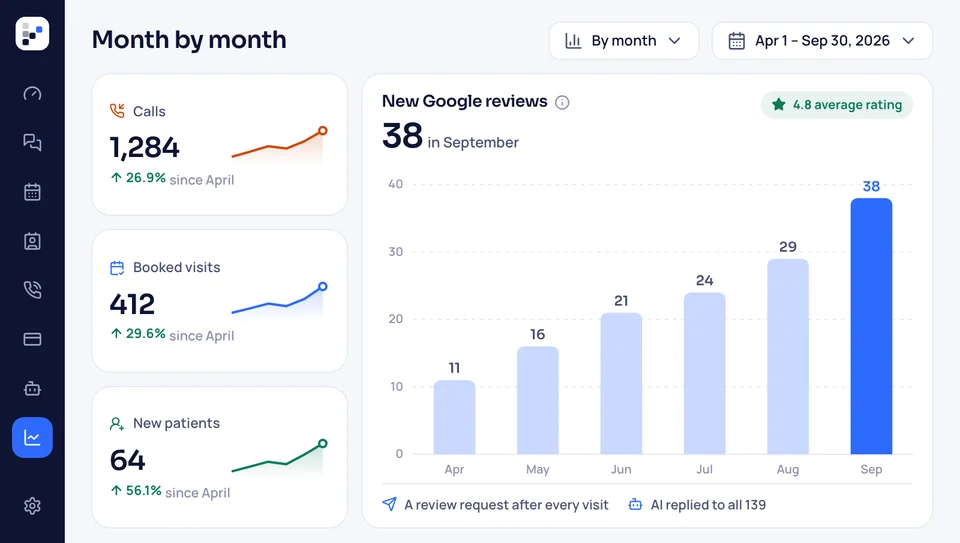
Reviews left on Google and on your Facebook page arrive in the Reviews screen. Our team writes the replies, and each family gets a review request in the days after the funeral. We keep your Google listing's hours, photos and posts current.
- Google reviewsread and answered without logging in to Google.
- Facebookrecommendations on your page show up there too.


Also connected
- Two-way Google Calendar
- Facebook lead forms to pre-planning
- Instagram posts
- Google Business Profile posts
- QuickBooks customer records
- Messenger chats on the family record
Where the accounts show up in MemorialBooked
The connected accounts feed the rest of the software. A payment, a review or a Facebook message lands in the screen your staff already use for that family, not in a separate app.

QuickBooks, Google, Facebook QuickBooks gets every deposit and invoice; Google and Facebook messages, reviews and ads come into MemorialBooked.
This pageWhere each connection shows up
- Memorial pages Each new obituary shared to your Facebook page once staff approve it.
- Your website Google Analytics on every page, and every form lands on a family's record.
- Google Business Profile upkeep Our team updates the listing's hours and photos and adds posts.
- Paid ads Google and Facebook campaigns we manage, each one's cost shown next to the calls it brought.
- Conversations Texts, Messenger, Instagram and Gmail threads, side by side per family.
- Arrangement meetings Booked on the calendar, synced to Google Calendar.
- Review replies Google and Facebook reviews arrive in the Reviews screen, and our team writes each reply.
Show us your current setup
Tell us what you use for QuickBooks, Google and Facebook. We quote the monthly price and map out each connection. Plans run month to month without a contract or setup fee, and your accounts are connected inside two weeks.


What funeral directors say

Walter D.Family-owned home 3 → 1vendors to callWe canceled three vendors. The website, obituaries and reviews now sit with one team that picks up the phone.
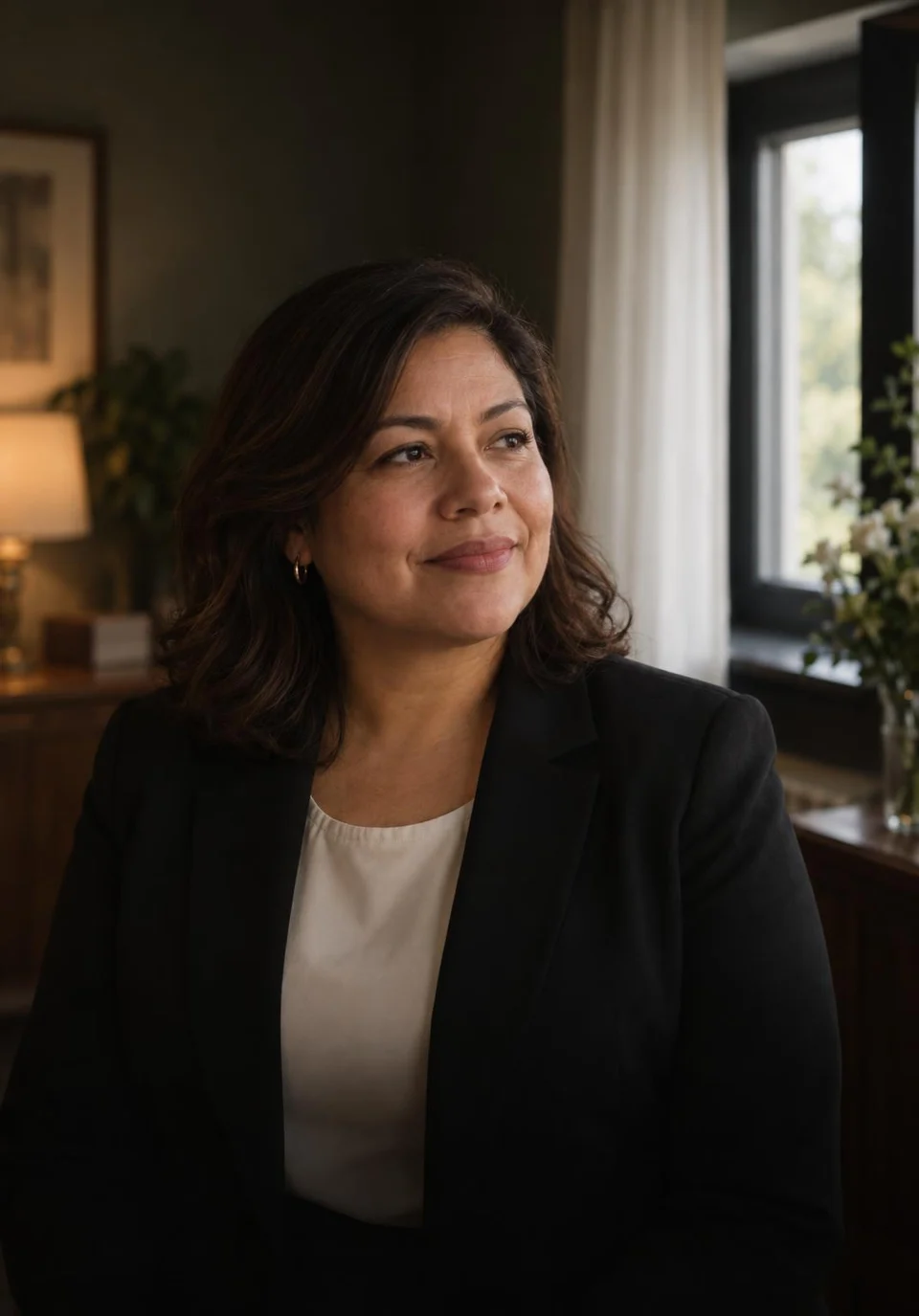
Carmen P.Cremation provider 1 minuteto the first replyFamilies used to reach voicemail at 2 a.m. These days a text reaches them within the minute, and I read the details over coffee.
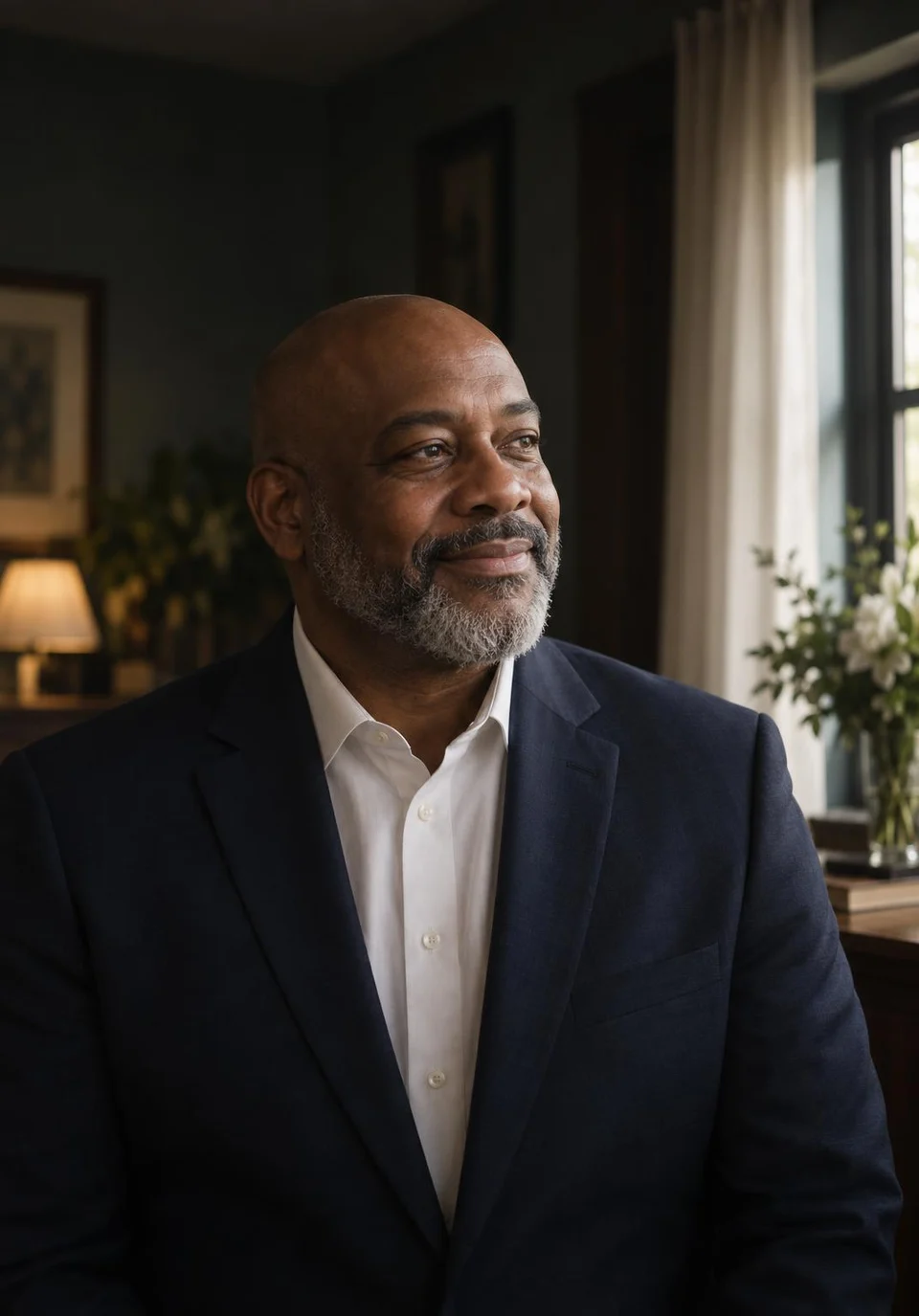
Terrence M.Third-generation home 11pre-planning meetings, month oneOur pre-planning list sat untouched for years. The follow-up texts booked eleven meetings in month one.
Gwen H.Two-location home 0paper contractsArrangements used to mean a stack of paper. Families now sign the contract and put down the deposit on their phones.

Anil R.Home and crematory 31 → 104Google reviewsEach family hears from us about a review after the service ends. Our Google reviews went from 31 to just over a hundred in twelve months.
Marisol K.Rural funeral home 2 weeksto a new websiteOur old site went up in 2014. A fortnight after we spoke, a new one was live, with every obituary carried over.


Integration questions answered
Your questions about the connections
Using another program today? Type its name, or pick a search.
6 questions
Will our QuickBooks Online file connect?
Yes. During setup, we link the QuickBooks Online company file you already use. From then on, invoices you send and card payments families make go over to it, each under the family's name, so whoever keeps your books has nothing to retype.
When a family pays a deposit online, does QuickBooks see it?
Yes. Whether a family pays a deposit or the balance through the payment link, QuickBooks Online records it under that family's name. Payments your staff enter during the arrangement conference follow the same route.
Does QuickBooks Desktop work too?
No. Only the online version of QuickBooks connects. If your home still runs Desktop, Intuit has its own way to move the company file to Online, and we connect it once you're there. Until then, the Payments screen exports a spreadsheet of payments for any date range, which whoever keeps your books can enter by hand.
Which Google accounts does it connect?
Five: your Business Profile, Calendar, Ads, Analytics and Gmail. We link the ones you already use during setup, and Analytics goes on your new site from launch day.
Does Facebook connect too?
Yes, along with Instagram and Messenger. Messages come into Conversations, new obituaries are shared to your page, and Facebook ad results show in Reports.
And case management software?
No. The connections are QuickBooks, Google and Facebook, nothing more. MemorialBooked has its own Cases screen for contacts, service details, documents and checklists, so the case can live with the payment.
Common searches
Ask about setup
Elise Navarro links each home's QuickBooks, Google and Facebook accounts with the owner. Write to sales@memorialbooked.com with questions.
Elise NavarroAccount manager
Request a call